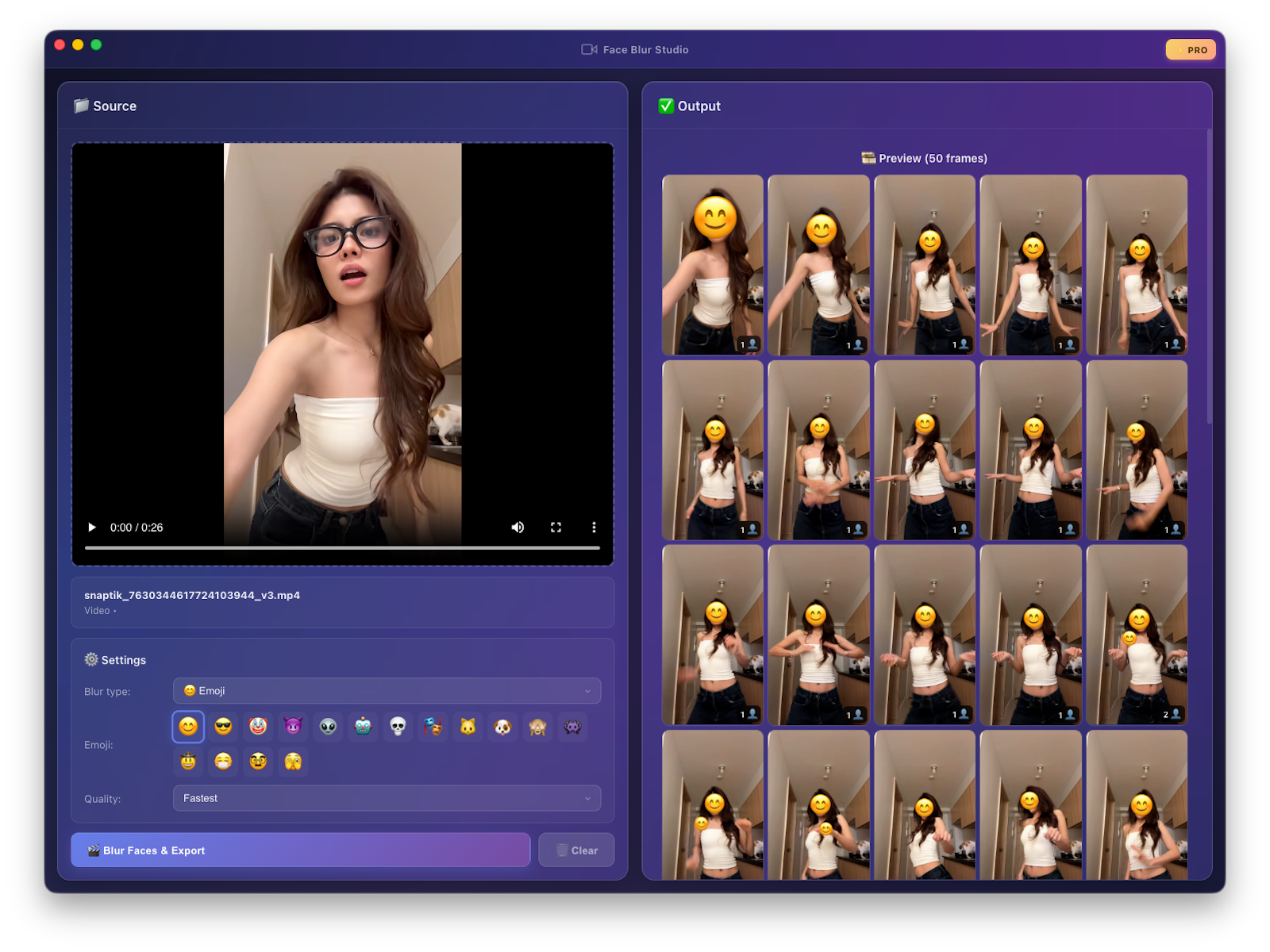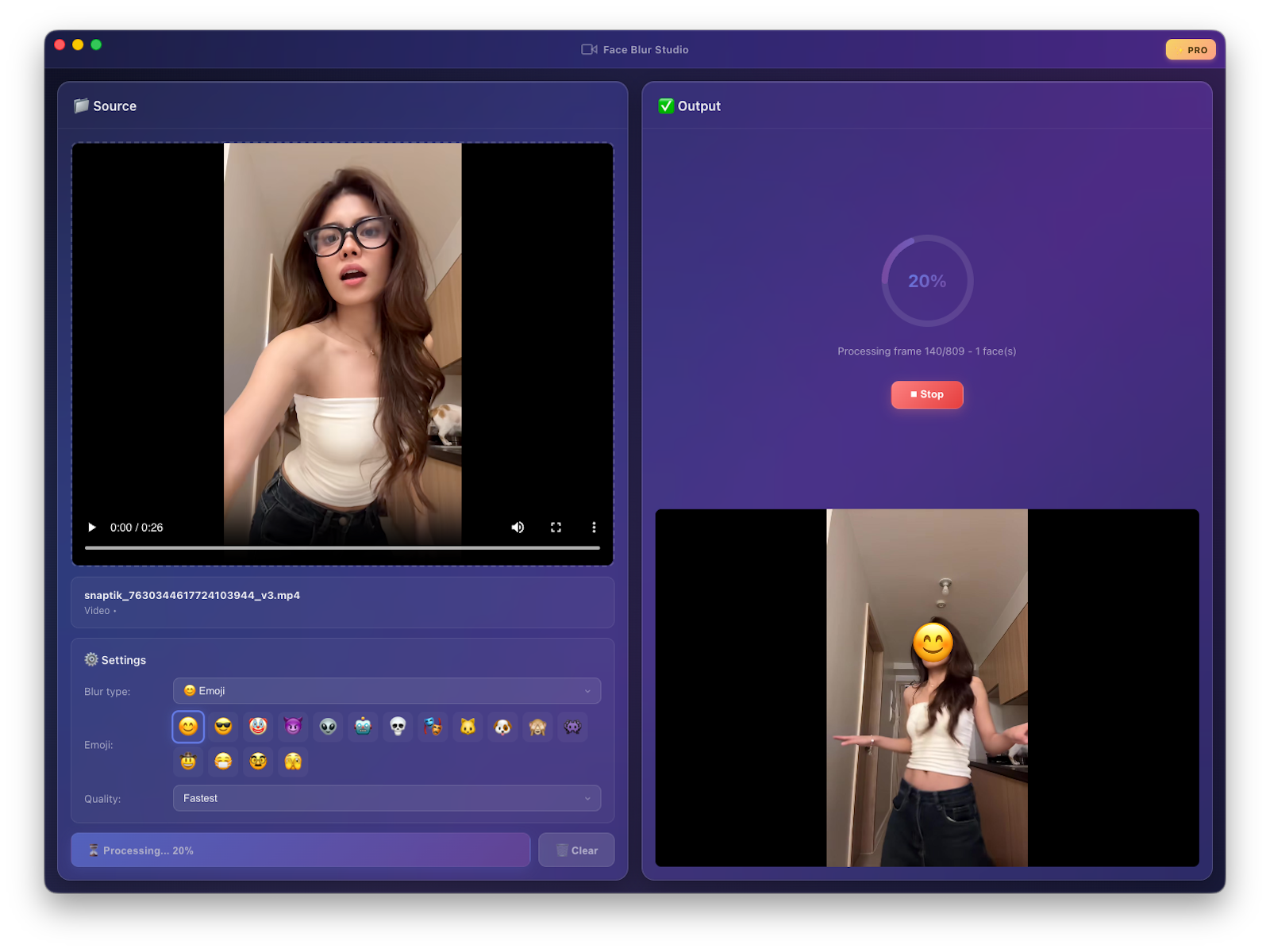
On-device AI detects every face and covers it with Gaussian blur, mosaic, emoji, or a black box. Everything runs locally on your Mac or PC — no uploads, no accounts, no cloud processing.
Free · Pro unlocks watermark removal · One-time payment
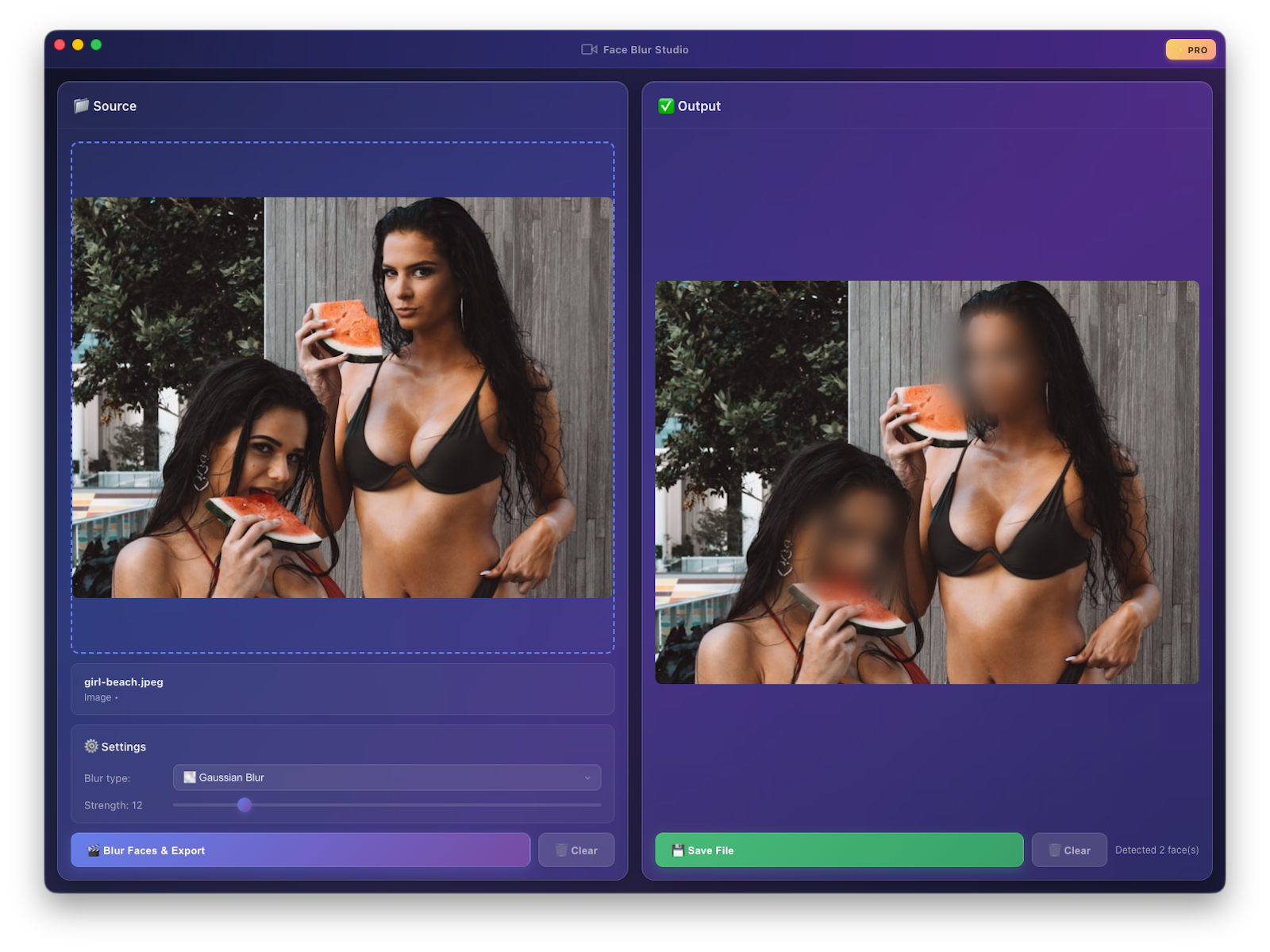
Clean, focused interface. Real-time preview. Export in seconds.
Everything a creator needs to ship faces-blurred content — nothing more.
Powered by MediaPipe. Your footage never leaves your machine, not even during processing.
Gaussian blur, mosaic pixels, solid black box, or 16 emoji presets — pick per project.
Supports MP4, MOV, AVI, MKV, WebM, JPG, PNG, GIF, BMP. Batch-ready pipeline.
Pick Fastest for social clips, Best for professional output, or Balanced for everyday use.
No internet required after install. No telemetry. No accounts. Your files stay yours.
Built with Electron. Signed & notarized for macOS. Installer for Windows x64/arm64.
Drag. Adjust. Export. That's it.
Click the drop zone or drag in a video or image. Supported formats load instantly.
Blur, mosaic, black box, or emoji. Tune strength. Preview updates in real time.
Hit export. Save to anywhere on your disk. Done — no upload wait, no render farm.
Free to use forever. Pay once to remove the watermark.
Free forever. No signup needed.
Version 1.0 · 130 MB · Updated April 2026
No. All face detection and blurring happens locally on your device using MediaPipe. The app does not require an internet connection after installation, and does not phone home or transmit your files.
It's a one-time purchase. After payment you receive a license key by email that you paste into the app to activate it on the current device. The license persists offline — you can keep using Pro without an internet connection.
Paste your license key on the new machine to activate. If you hit the activation limit, email us and we'll reset it.
Videos: MP4, MOV, AVI, MKV, WebM. Images: JPG, PNG, GIF, BMP. Output: MP4 for video, PNG for images.
Yes — signed & notarized universal builds for both Apple Silicon and Intel Macs.